

With the Enfotek Financial Management Budget Module, you can easily review account transactions and budget discrepancies, plan your budget at the company level, and compare actual figures for better control.
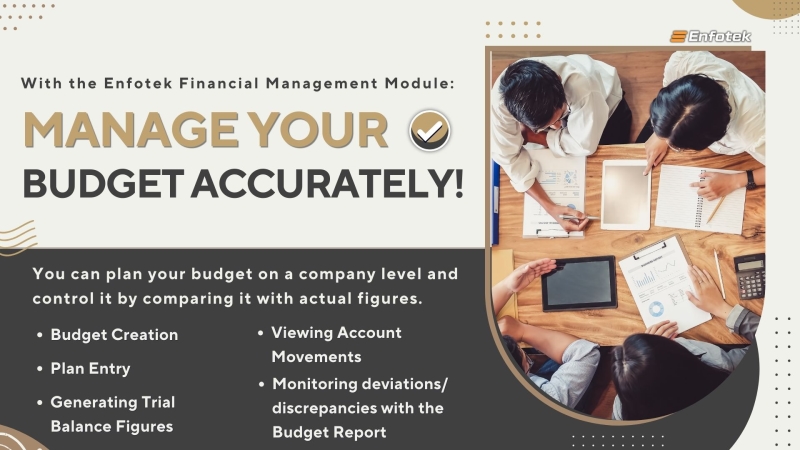
The Enfotek ERP, PLM, and PDM Software Solutions Financial Management Budget Module allows businesses to manage their budgets accurately and comprehensively. With the Enfotek Financial Management Budget Module, you can easily review account transactions and budget discrepancies, plan your budget at the company level, and compare actual figures for better control.
DETAILED REVIEW OF ACCOUNT TRANSACTIONS
After creating the budget with a new entry in the Budget Module, you can upload your accounts through the 'load account plan' section. You can then create a budget plan based on individual accounts. After monthly realizations, you can load the latest status using the 'bring from trial balance' command. The Enfotek Financial Management Budget Module allows you to examine account movements in detail, see budget discrepancies, and easily access the Budget Report for exporting to Excel or printing.
In summary, the Enfotek Financial Management Budget Module includes:
- Budget Creation
- Plan Entry
- Generating Trial Balance Figures
- Viewing Account Movements
- Monitoring deviations/discrepancies with the Budget Report
Back to all news